When a dealmaker leaves the firm, where do the relationships go?
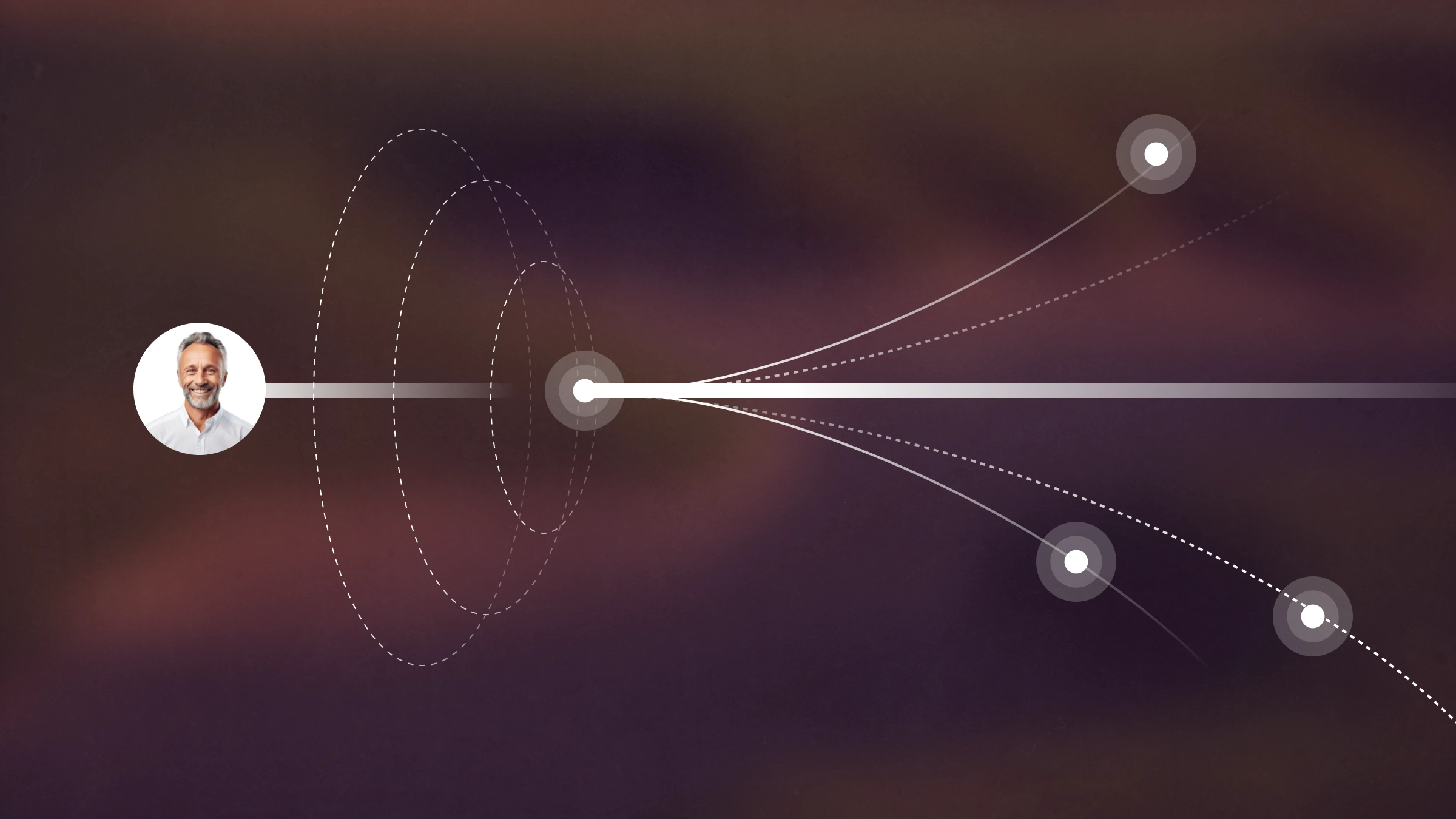

Ask a general partner what keeps them up at night and turnover is rarely at the top of the list. But maybe it should be. When a dealmaker who has been with a firm for a number of years walks out the door, they take the thousands of relationships they’ve built with them This includes the context behind every one of those conversations.
Affinity's 2026 benchmark data confirms this fear. According to our data, a single person holds a median of nearly a third of a firm's strongest relationships. In venture it's 29%, and in PE it's 31%. Across private capital the top three people hold close to two-thirds. So when one dealmaker walks out, they can take a significant share of the network.
Why relationships leave when a dealmaker does
This happens because in most firms, the relationships were never really the firm's to begin with. They lived in one person's inbox, one person's phone, and one person's memory. There was no shared record of who they knew, how well, or what had been said. So when that person leaves, there's nothing left behind to inherit.
This is a data-capture problem disguised as a people problem. A CRM that depends on manual entry only holds the fraction of relationships someone remembered to log, and that fraction is exactly the part that walks out the door. The relationships you lose are the ones no one wrote down.
Affinity closes that gap by removing manual entry. It captures your team's emails and calendar events automatically and turns them into a structured, always-current view of every relationship the firm has. That way, when a dealmaker leaves, the history of who they talked to and when doesn't leave with them.
{{estimate-your-savings-plum="/rt-components"}}
How to keep continuity across key relationships
Start before anyone leaves. In the walkthrough above, Affinity’s solutions engineers demonstrate how to keep a dedicated list of the firm's most important contacts (investment bankers, co-investors, lenders, lawyers, and anyone else who matters to the business). With this, the relationships the firm can least afford to lose are identified in advance rather than reconstructed in a scramble.
Two things make that list resilient to turnover. First, enrichment keeps it current: it surfaces when a contact has changed job title or organization, so you can see movement across your network without chasing it manually. Second, a relationship owner field records who at the firm owns each relationship and how important it is. The moment someone is on their way out, you can see exactly what they were responsible for and reassign that coverage to specific team members.
What happens to the history when someone leaves?
It stays in Affinity. Pull up any contact and you can see the full historical interaction data for that relationship even after the person who built it has left the team. Nothing is archived out with the departing employee's account.
That history is what makes a clean handoff possible instead of a cold restart. The colleague who inherits the relationship isn't starting from a name and an email address. They're starting from every email and meeting that came before, so the next outreach reads as continuity rather than a stranger reaching out.
"The only value that I can actually control, maintain, and share is my network... At the end of the day, everything comes down to people and the relationships you have with them." — Dylan Boyd, R/GA Ventures
How to keep relationships from going cold
When someone is on their way out, run a report on the contacts they were responsible for that the firm hasn't spoken to in a while. In the demo, that's a view of every contact not contacted in the last 60 days, the relationships most likely to slip through the cracks during a transition. From there, someone on the team takes over and inherits that coverage before the gap becomes a lost relationship.
This is where relationship history becomes a management tool rather than an archive. Instead of just preserving the record, you're using it to see which relationships need attention and putting them in a specific person's hands.
"All our data is now centralized in Affinity, so information is never siloed with a single team member and we all understand the relationships among the entire team's business network." — Kevin Zhang, Partner, Bain Capital Ventures
{{request-demo-short="/rt-components"}}
Can you keep relationships from going cold automatically?
Yes, and here’s how. Instead of remembering to run the report, you can set up triggers and reminders so that when too much time passes without an interaction with a high-priority contact, the notification comes to you.
In the walkthrough, that means creating a trigger focused on the firm's priority relationships, assigning it against the coverage a departing colleague held, and making sure 30 days don't go by before someone on the team has an interaction with them. The relationships that used to quietly decay after a departure now raise their hand before they're lost.
"Affinity creates visibility across teams, so if an investor chatted with someone, then folks from our portfolio development team can go into that company's profile in Affinity and see how long the two have been communicating and ask for an introduction." — Pedro Carrasco, Senior Operations Manager, Munich Re Ventures
The relationships were always the firm's
A dealmaker leaving is a good stress test for whether your relationships belong to the firm or to the individual. When the firm captures every interaction automatically, the answer is settled long before anyone gives notice since the history is already in the system. Kapor Capital, for example, has 15+ years of network activity captured in Affinity, which is the kind of institutional memory that no single departure can take with it.
Frequently asked questions
What happens to relationships when a dealmaker leaves a firm?
Without a system that captures interactions automatically, they usually leave with the person, because the relationships only ever lived in that individual's inbox and memory. When a CRM like Affinity captures every email and meeting automatically, the relationship history stays in the firm's system of record, and coverage can be reassigned to another team member.
How do you reassign relationship coverage when someone leaves?
Use a relationship owner field to see what the departing person was responsible for, then reassign that coverage to specific team members. Because the interaction history is already in the platform, the colleague inheriting the relationship starts with full context rather than from cold.
Does a CRM keep relationship data when an employee leaves?
It depends on how the data got there. A CRM that relies on manual entry only retains what someone logged. Affinity captures emails and calendar events automatically, so the full interaction history for a contact remains available even after the person who built the relationship has left.
How do you stop key relationships from going cold after turnover?
Set up triggers and reminders on your priority contacts so that when too much time passes without an interaction, you're notified automatically, ensuring no high-priority relationship goes untouched for more than 30 days during a transition.
See how Affinity keeps your firm's relationships with the firm. Request a demo.
Related Articles
Put your firm’s network to work